 Add to Chrome
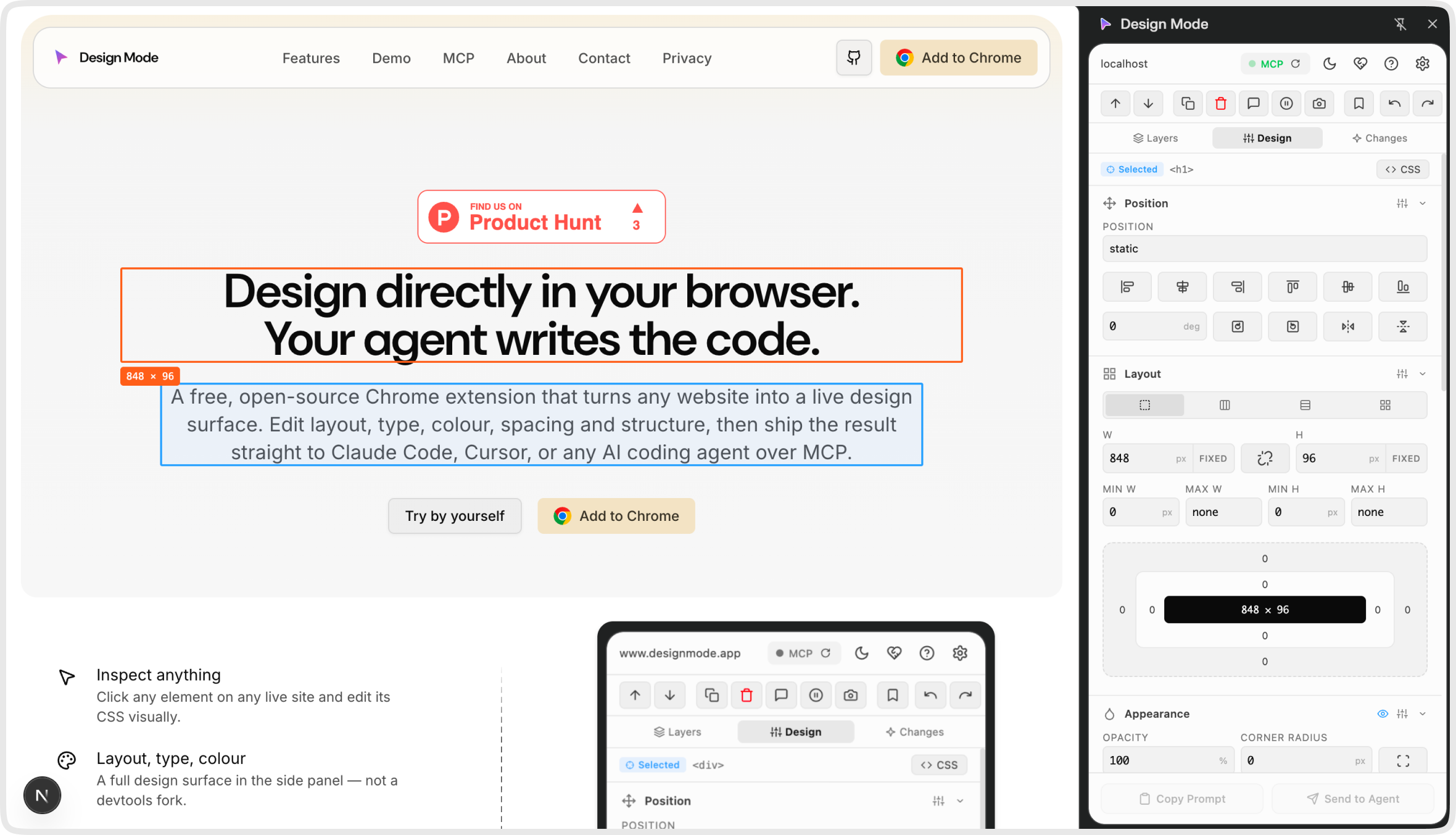
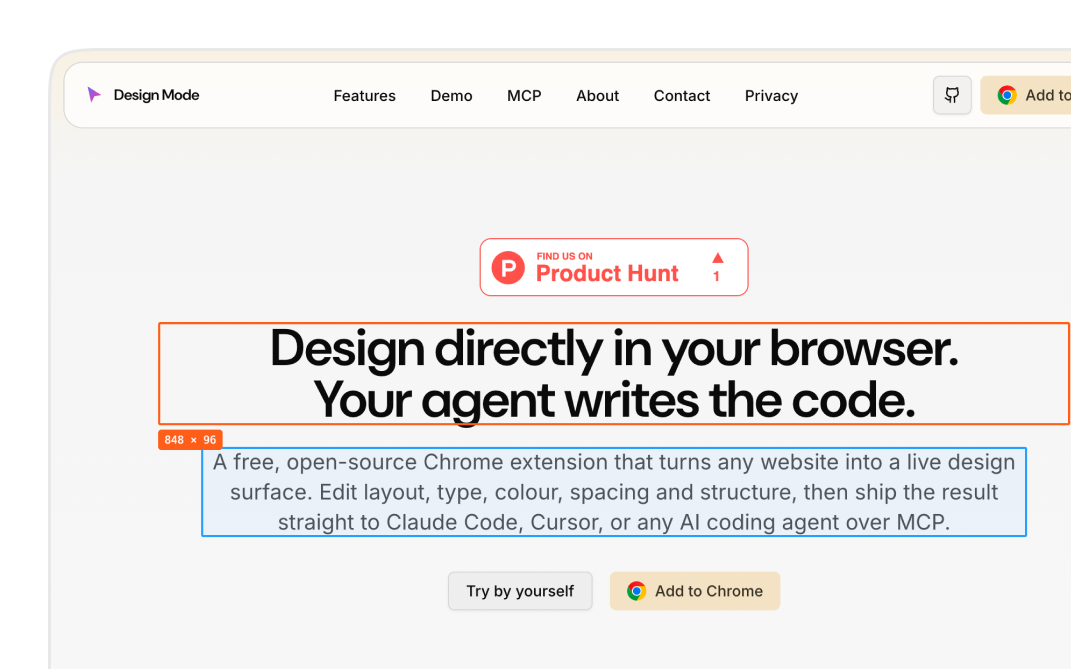
Design directly in your browser.
Your agent writes the code.
Design Mode is a free, open-source browser extension that turns any live website into a visual design surface — one design tool for every maker, from designers and developers to QA testers, PMs, indie hackers, and vibe coders.
Edit layout, typography, colour, spacing, copy and DOM with real controls, then ship the diff to Claude Code, Cursor, Claude Desktop, Windsurf, Cline, or any MCP-compatible AI coding agent.
Inspect anything
Click any element on any live site and edit its CSS visually.
Layout, type, colour
A full design surface in the side panel — not a devtools fork.
Measure & resize
Drag 8 handles to resize, and see pixel spacing between elements live.
Ship to your agent
Send the diff to Claude Code, Cursor, or any MCP-aware tool.
Free, forever
Open source under MIT. No accounts, no telemetry by default.
Talks to every AI tool that speaks MCP.
Drop your edits straight into Claude, Cursor, or any agent that supports the protocol.


Made for the vibe-coding loop
Most design-to-code workflows force you to mock the change, paste a screenshot, and hope your AI agent guesses your CSS. Design Mode skips the mocking step entirely — edit the real, rendered page in your browser, capture a structured diff (selector → property → value), and ship it to Claude Code, Cursor, Claude Desktop, Windsurf, Cline, or any MCP-compatible agent in one click.
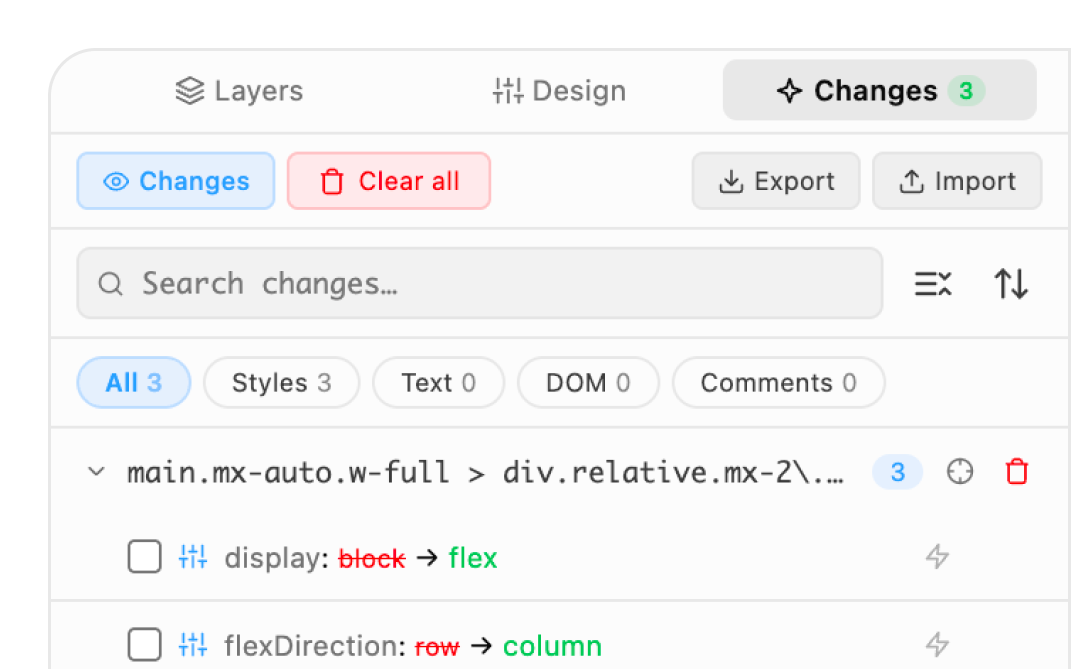
Every design control, in one side panel
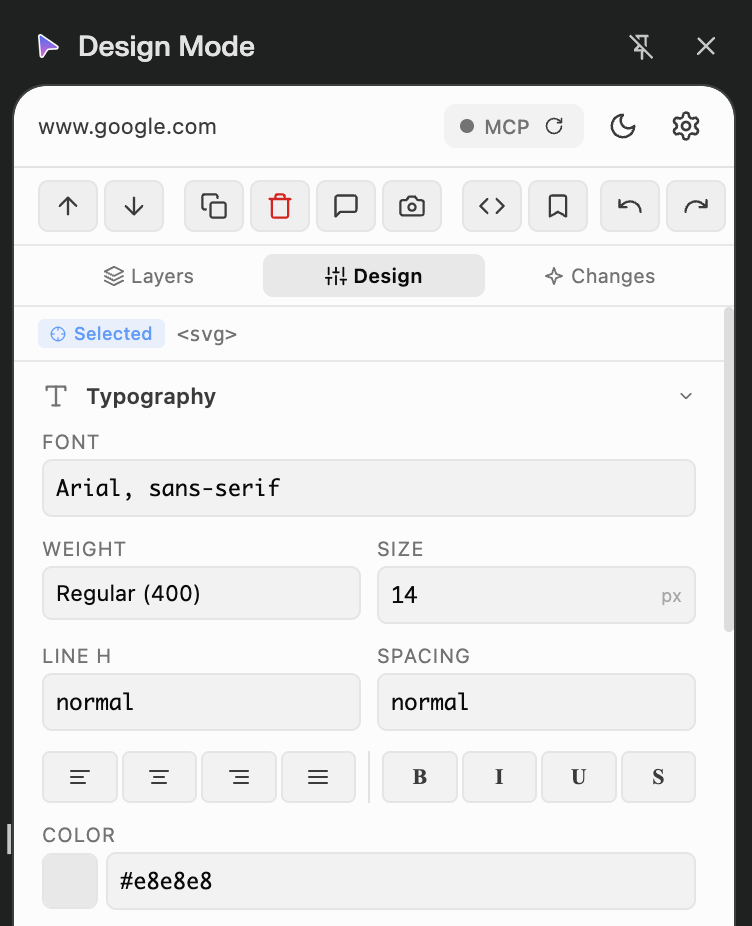
Top bar — everything around the editor.
A header row of overlay icons and an action toolbar that sits just above the three editing panels.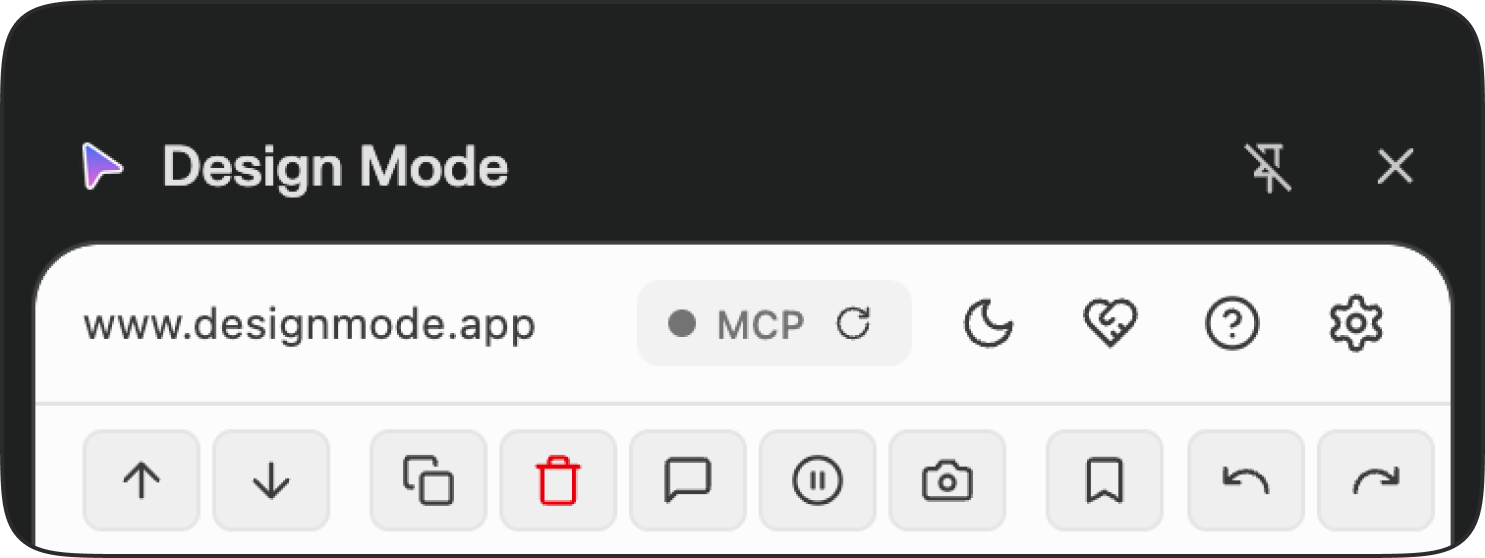
Bottom buttons — ship your edits.
Two buttons collapse every change in the session into a shippable diff. Copy as Prompt goes to the clipboard; Send to Agent goes over MCP to a connected coding agent.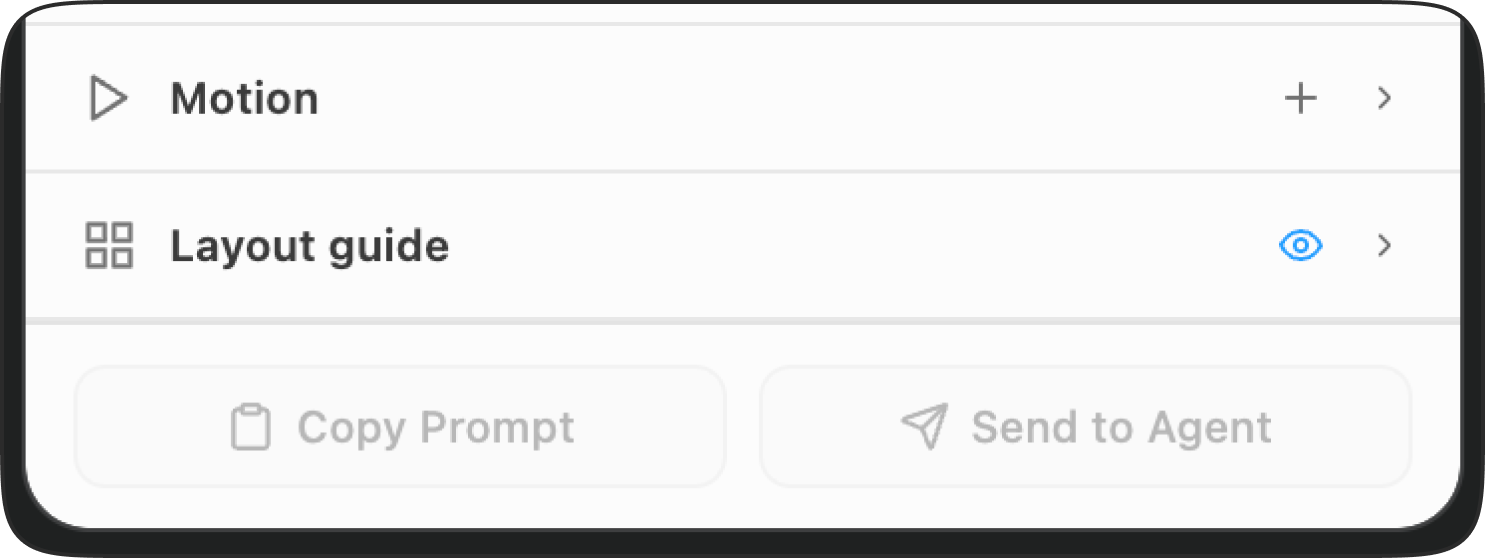
Layers tab.
See and reorganise the DOM tree of the page you're editing — without leaving the side panel.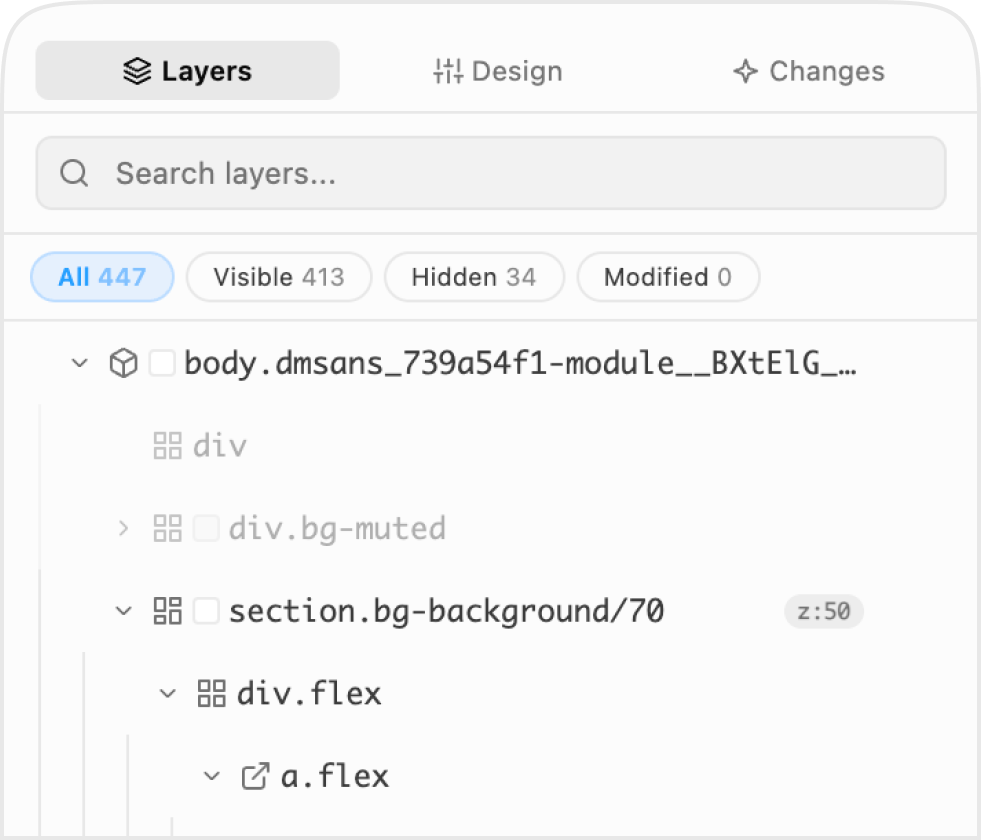
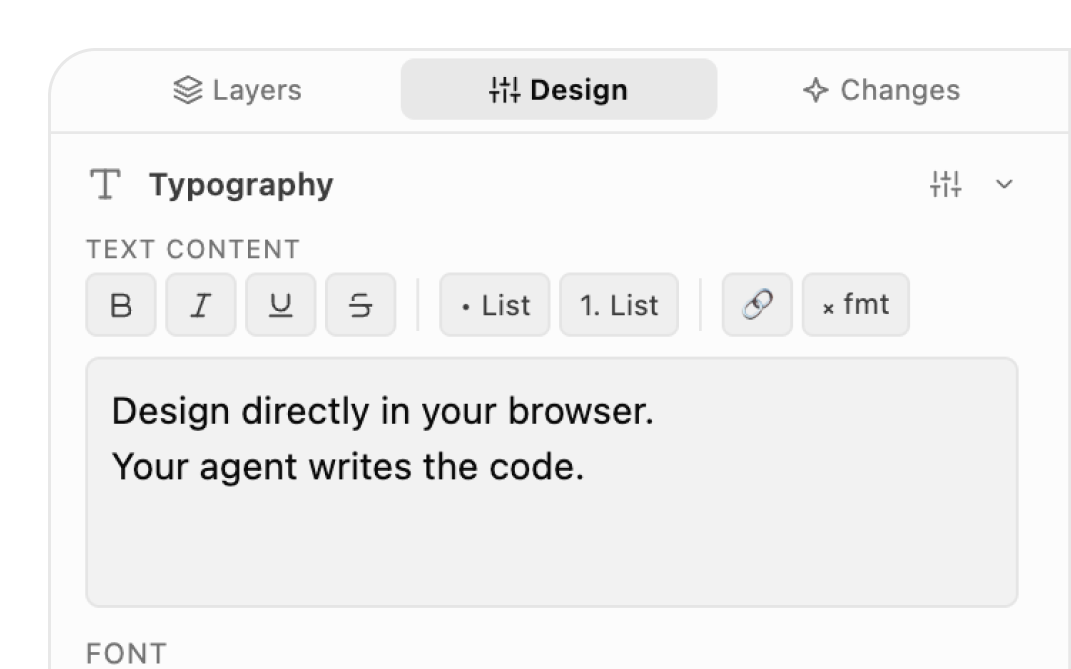
Design tab.
Nine Figma-aligned sections. Real controls — sliders, colour pickers, segmented buttons — not a textarea of CSS. Motion leads with trigger-first interaction cards; design-system tokens surface as swap-and-edit badges.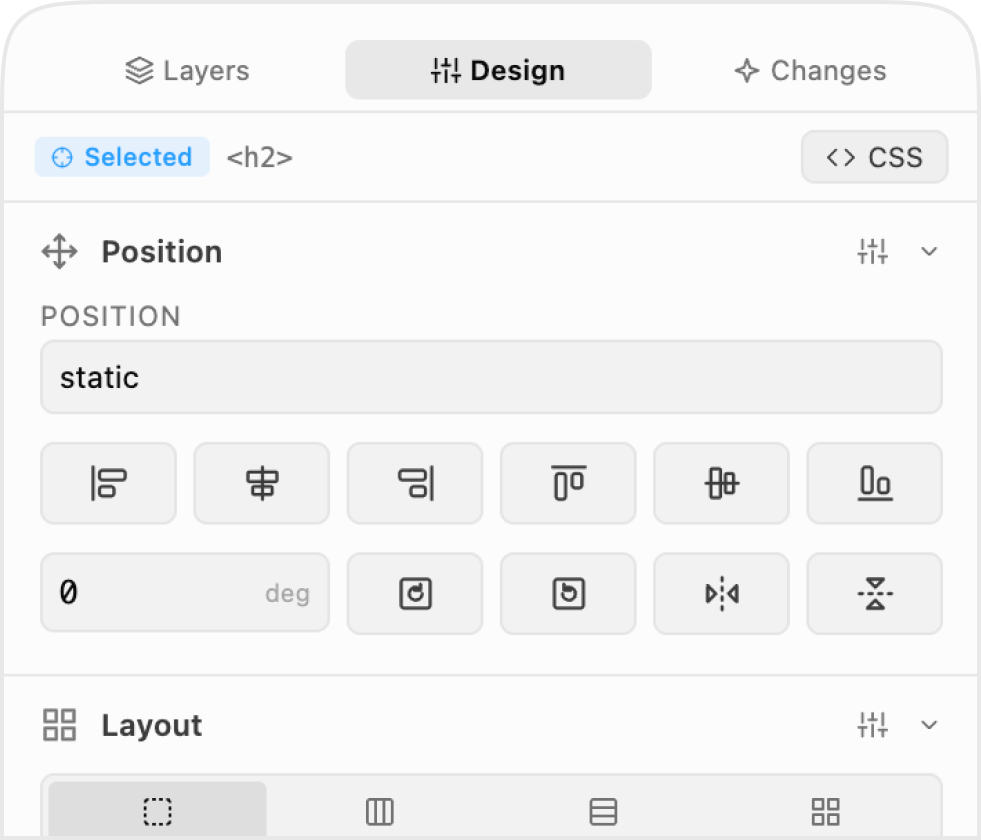
Changes tab.
A full audit trail of every style, text, and DOM edit. Undo any one of them, or export the whole diff.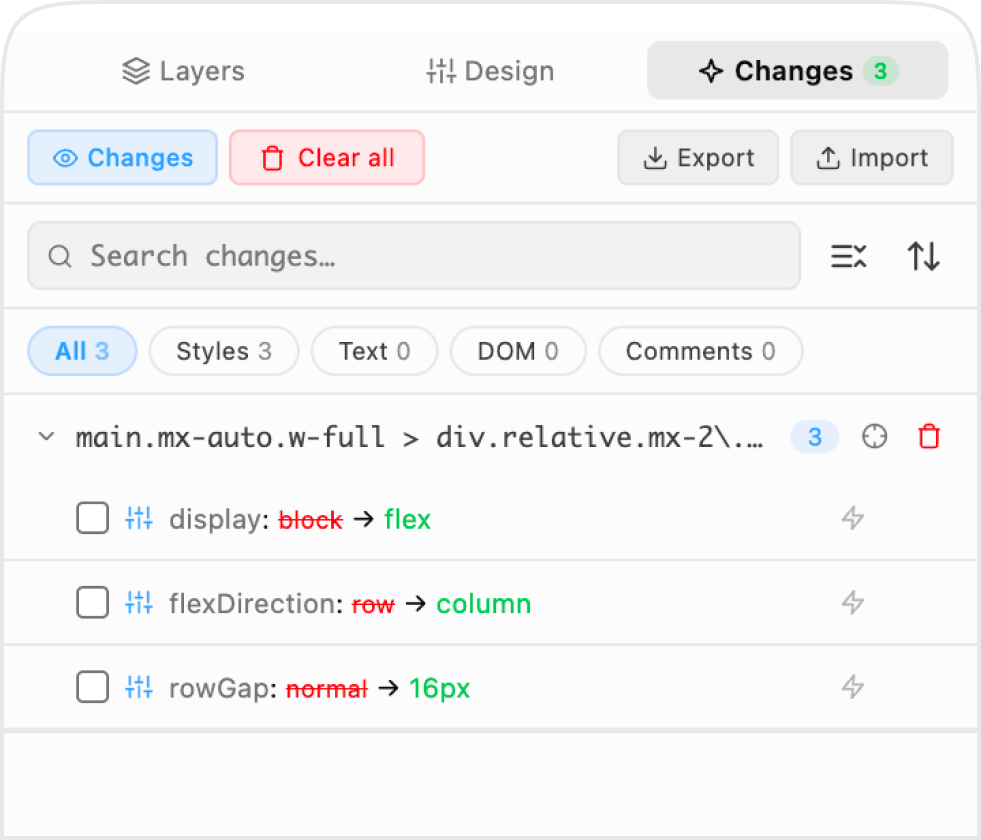
One design tool for every maker
Designers, developers, QA testers, PMs, content people, indie hackers, agencies, and vibe coders all share the same problem — getting from a visual idea to working code without losing intent. Design Mode is the single surface that fits every step of that loop.
Designers
Design directly on the live product — not in a mockup file that drifts from the code.
See the workflow →Design engineers
Own the loop from sketch to PR without context-switching between tools.
See the workflow →Frontend developers
Iterate on UI visually, then have your AI agent commit the change.
See the workflow →Vibe coders & AI-coding-agent users
Describe a change in English, see it on the real page, refine visually — Claude Code, Cursor, Windsurf, Cline, all over MCP.
See the workflow →QA & UI testers
Annotate broken layout, contrast bugs, copy errors on a staging URL — export the structured diff to developers with full context.
See the workflow →Product managers
File visual bug reports that point at the exact pixel, not "the button is wrong."
See the workflow →Content & marketing teams
Fix microcopy live on the page, export the diff, no Figma round-trip.
See the workflow →Indie hackers & solo founders
Iterate on your own landing page with an AI agent in the loop.
See the workflow →Agencies
Make tweaks on the client's staging URL during review; hand engineering a precise spec.
See the workflow →Design-system maintainers
Walk a deployed app, log every token drift, ship the audit report.
See the workflow →Frequently asked questions
Can't find what you're looking for? See the full FAQ or get in touch.
Getting started
Privacy & data
Agents & MCP
Workflow & comparisons
Contributing & support